


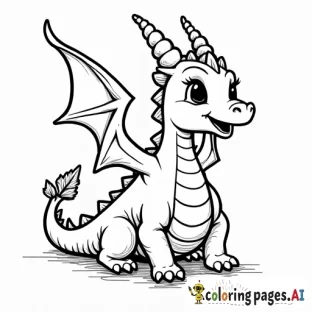
How to Make Thick Outlines in AI Coloring Pages (Prompt Tricks)
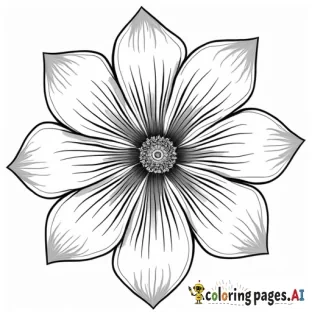
Thin, faint, or broken lines are the most common complaint about AI coloring pages, and the easiest to fix. Thick, bold outlines are easier to color inside, print darker, and look cleaner, especially for kids. Here is exactly how to get them.
The keywords that work
Add these to almost any prompt for bolder lines:
- "thick outlines" or "bold outlines"
- "heavy black lines"
- "clean line art, no shading"
- "coloring book style"
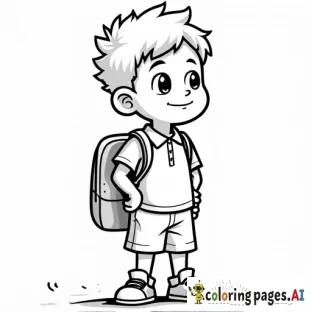
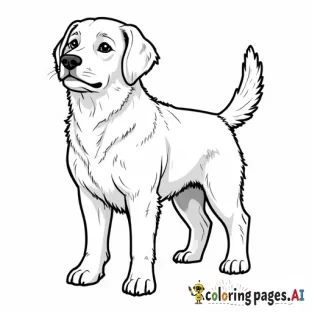
Combine them: "a cute elephant, cartoon style, thick bold outlines, no shading, plain background."
Keep it simple
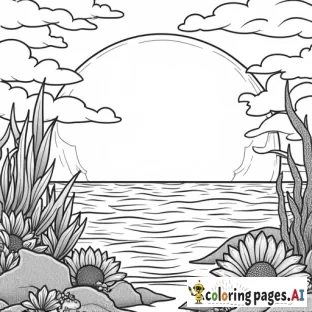
Thick lines and heavy detail fight each other. Ask for "simple details" and "large shapes" so the bold outlines have room to breathe. Busy backgrounds force thinner lines, so request a "plain background."
Avoid shading and texture
Words like "realistic shading," "sketch," or "pencil" add gray tones that break up clean outlines. Always include "no shading" and "black and white line art" to keep lines solid.
Fix lines after generating
If a page is close but the lines are a touch light, print it in grayscale at High quality, which darkens outlines noticeably. Our print settings guide covers this.
Why thick lines matter
- Easier for kids to stay inside.
- They print dark and crisp instead of gray.
- They hold up when you reduce or enlarge the page.
FAQ
My lines are still thin, what now? Add "heavy black lines" and "coloring book style," and remove any detail or shading words.
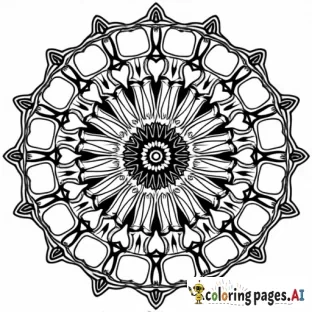
Do thick outlines work for adult pages too? Yes, pair them with intricate interior patterns for the best of both.
Can printing make lines bolder? Yes, grayscale at High quality darkens them.
Try it now, generate a bold-outline page.

Comments (0)
No comments found