


How to Turn a Photo Into a Coloring Page (Best Results Guide)
Turning a photo into a coloring page is one of the most magical things you can do with AI, imagine your pet, your child, or a favorite vacation spot as a page to color. The results depend a lot on the photo you start with. This guide shows how to pick and prepare images for clean, recognizable line art.
Choose the right photo
- Good lighting: bright, even light with clear shadows defines edges best.
- Simple background: a plain or blurred background keeps the focus on your subject.
- Sharp focus: blurry photos produce mushy, unclear outlines.
- Clear subject: one main subject converts better than a crowded scene.
How the conversion works
The tool detects edges and contrast in your photo and turns them into outlines, dropping the colors and shading. High-contrast photos (a dark dog on a light floor) convert cleanly; low-contrast photos (a white cat on a white couch) give faint lines.
Prepare your photo
Crop tightly around the subject, and if your phone has an editing tool, bump up the contrast slightly before converting. Portraits and pets work especially well. Try the photo-to-coloring tool and compare a couple of versions.
Best subjects to try
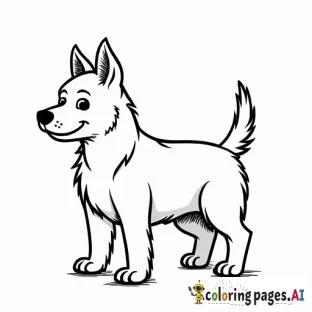
- Pets (dogs and cats convert beautifully)
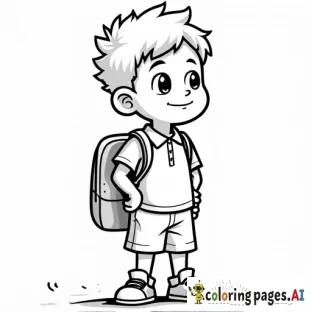
- A child's portrait for a personalized page
- A house, car, or favorite landmark
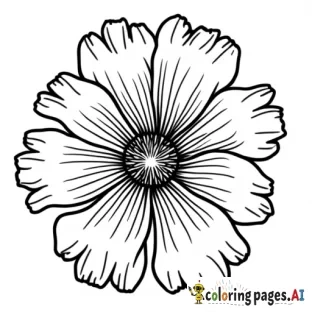
- A flower or plant close-up
Fix a weak result
If the outlines are too faint or busy, try a higher-contrast photo, crop closer, or simplify the background. For text-based pages instead, see how prompts work in our best prompts guide.
FAQ
What photo works best? Bright, sharp, high-contrast images with a simple background.
Can I turn a selfie into a coloring page? Yes, portraits convert well, especially with even lighting.
Why are the lines messy? The photo is likely low-contrast or busy, crop closer and raise the contrast.
Have a photo in mind? Turn it into a coloring page now.

Comments (0)
No comments found